
AC service dates, tracked per unit, ready before summer.
Track service dates and product details for each AC in the home — living room, bedroom, office — so nothing is left to memory.


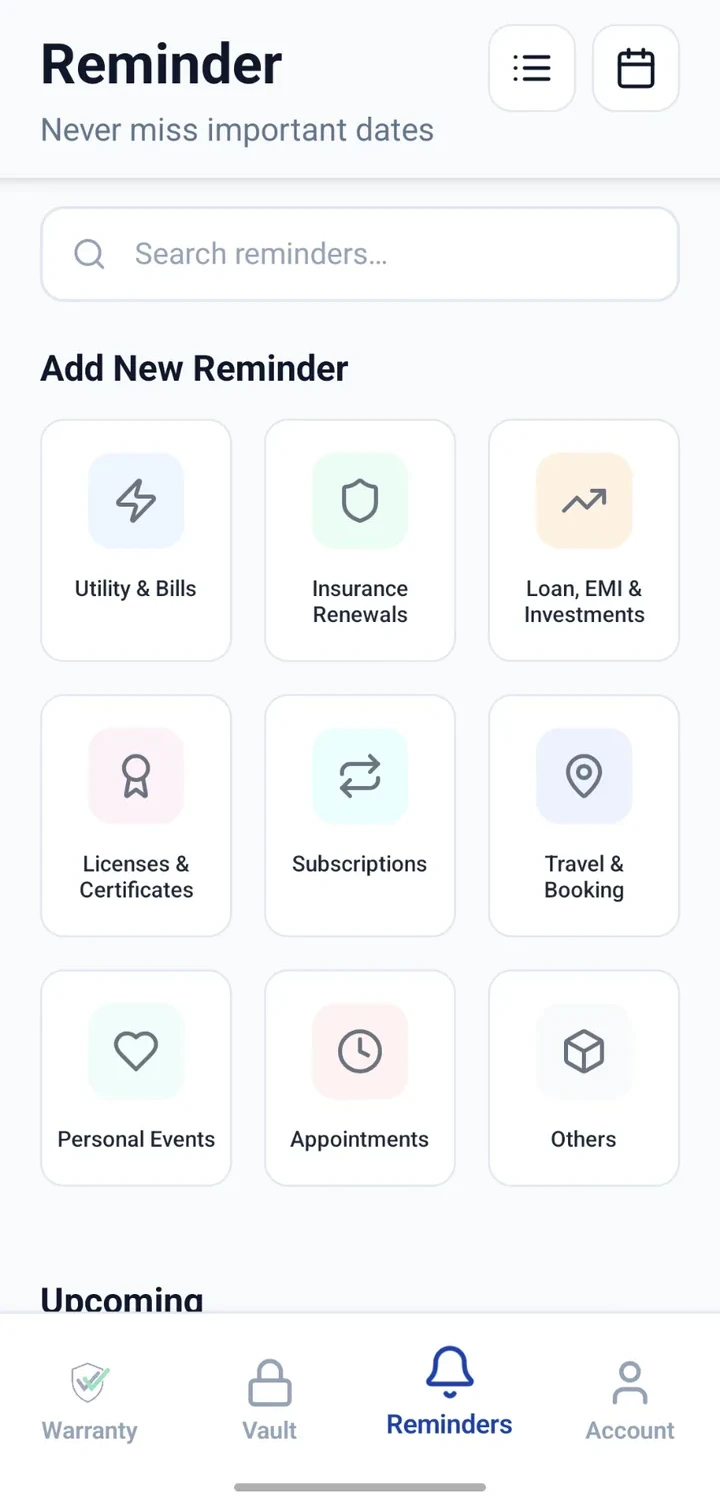
When would you use this?
What usually goes wrong
Multiple ACs, each on a different service cycle.
Service dates forgotten between summers.
No record of what the technician actually did last time.
Warranty card and bill in different places.
Peak-season delays when everyone books late.
Practical ways the app supports this
One record per AC with model, serial and room.
Attach the bill and warranty card to each unit.
Add each service visit as a note on that unit.
Add reminders ahead of the next expected service.
See upcoming service dates in the reminders list or calendar.
Step by step
A simple flow for adding and organising records.
- 1
Add a record per AC
Split window/split units into separate records, one per room.
- 2
Capture details
Enter brand, model, capacity, serial and the room it is installed in.
- 3
Attach documents
Attach the bill, warranty card and any prior service invoices.
- 4
Add reminders
Add a reminder for the next expected service date for each unit.
- 5
Log every visit
After each service, note what was done and when the next visit is due.
Why this matters
Servicing tracked separately for each AC.
Reminders arrive before peak-season delays.
Service history captured over years, not memory.
Warranty and bill remain linked to each unit.
A note on scope
Frequently asked questions
Related product pages
See how the underlying modules work in more detail.
Related use cases
Other everyday scenarios covered on this site.
Related guides
Practical guides on these topics are being prepared.
Get ahead of your AC servicing.
Install CheckMyWarranty and add each AC in your home with its own reminders.
Available now on Android and iPhone.