
Keep every product's warranty information within reach.
Add purchase details, bills, warranty cards, important dates, service information and notes — organised product by product.


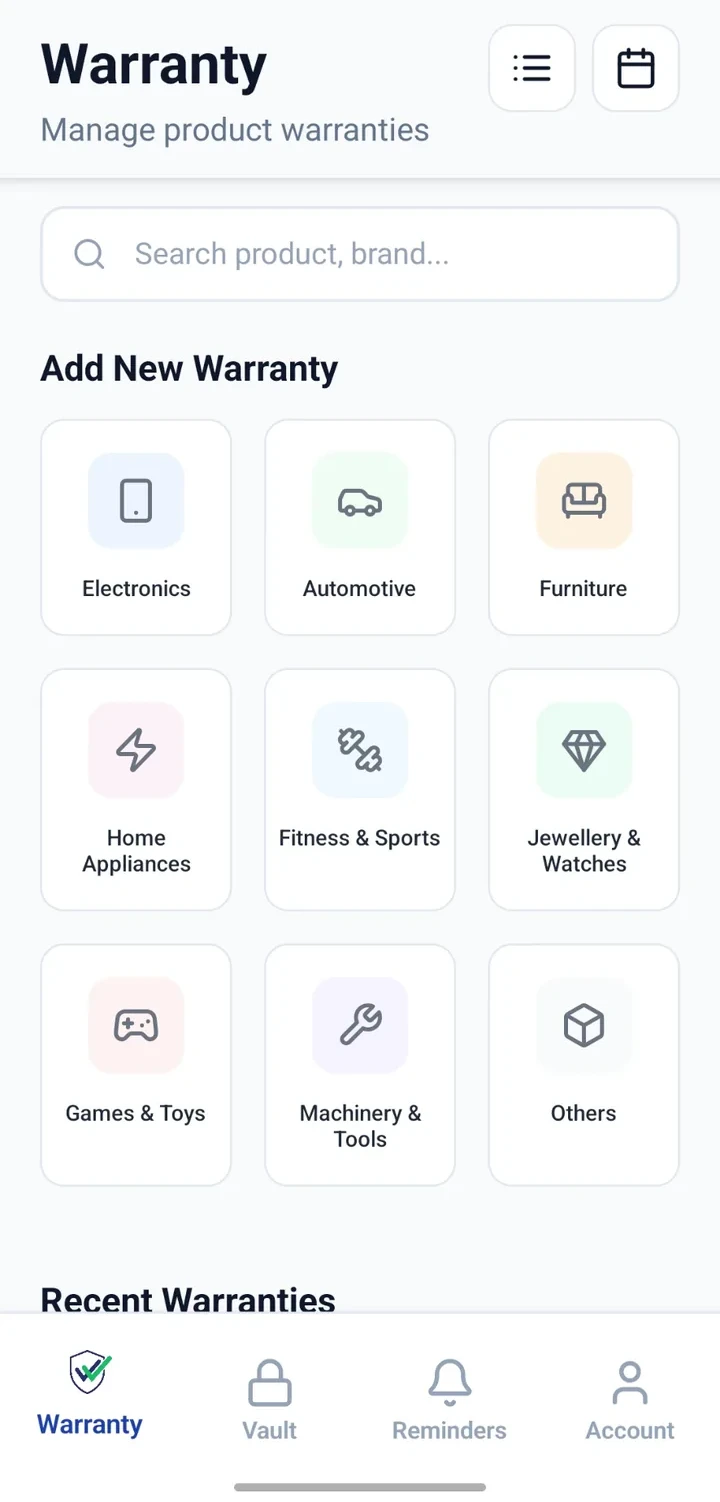
What usually goes wrong with warranty information
The problem today
- The purchase bill is difficult to find when you need it.
- The warranty card is stored separately from the bill.
- The exact purchase date is hard to remember.
- Free-service dates come and go unnoticed.
- Model or serial details aren't available when contacting support.
- Household products are spread across rooms and locations.
With CheckMyWarranty
- Attach the bill to the product record so it stays with the product.
- Attach the warranty card to the same product record.
- Add the purchase date once and refer to it later.
- Note free-service dates and review upcoming ones in one list.
- Save model, serial number and brand alongside every product.
- Record which room or location a product lives in.
Details you can save against every product
Use whichever fields are relevant to each product. Keep it simple, or capture the full record.
Product name & category
Give each product a name and place it into a clear category.
Brand, model & serial
Save the details you often need when contacting support.
Purchase date & price
Record when and where you bought the product.
Warranty period & expiry
Add the warranty duration or specific expiry date.
Product location
Note the room or location where the product is kept.
Free-service dates
Add scheduled service or free-service dates for each product.
Attachments
Attach the bill, warranty card and other supporting files.
Notes
Add any notes you want to keep with the product record.
Adding a warranty, step by step
- 1
Select a category
Choose the category that matches the product, such as appliance, electronics or vehicle.
- 2
Add product and purchase details
Enter product name, brand, model, purchase date and any other relevant details.
- 3
Attach available records
Attach the bill and warranty card so they stay linked to the product.
- 4
Add warranty & service dates
Add the warranty period and any known service or free-service dates.
- 5
Review and set reminders
Review the record and configure reminders you want for warranty or service dates.
Ways to organise your products
Categories
Group products by clear categories so you can find them faster.
Locations & rooms
Note where each product is kept for easier reference.
Notes
Capture anything specific to a product alongside its record.
Attachments
Keep bills, warranty cards and other documents with the product.
Search & filter
Search across products and filter by category or details.
List & calendar views
Review products in a list or check upcoming dates in a calendar.
Where people use it most
Refrigerator & washing machine
Keep purchase bills, warranty cards and service dates for large appliances in one record each.
Air conditioner service schedule
Track service cycles and free-service dates so they are not forgotten.
Television & electronics
Save models, serial numbers and warranty details for the electronics you own.
Mobile phone or laptop
Store proof of purchase, brand and warranty information for devices you use every day.
Furniture & household equipment
Add records for items where warranty or service information is worth keeping.
Office equipment
Individuals and small business owners can organise office equipment records alongside personal ones.
Why organise warranty information here
Proof of purchase, easier to retrieve
Keep bills and warranty cards with the product record instead of scattered across files.
Review dates before you need them
Look up warranty and service dates before contacting a seller or manufacturer.
Product details in one record
Save brand, model and serial number alongside the bill for quick reference.
Better prepared for service
Note free-service dates and service history against the product.
Organise across locations
Track products across rooms, homes or offices with clear location tags.
Find products faster
Search and filter to locate a product record quickly.
A note about warranty coverage
Warranty FAQs
See it applied to real scenarios
Practical reading
Start organising every product warranty you own