
Medical reports and prescriptions, calmly organised.
Store your own medical reports, prescriptions, insurance cards and personal notes for reference between visits.


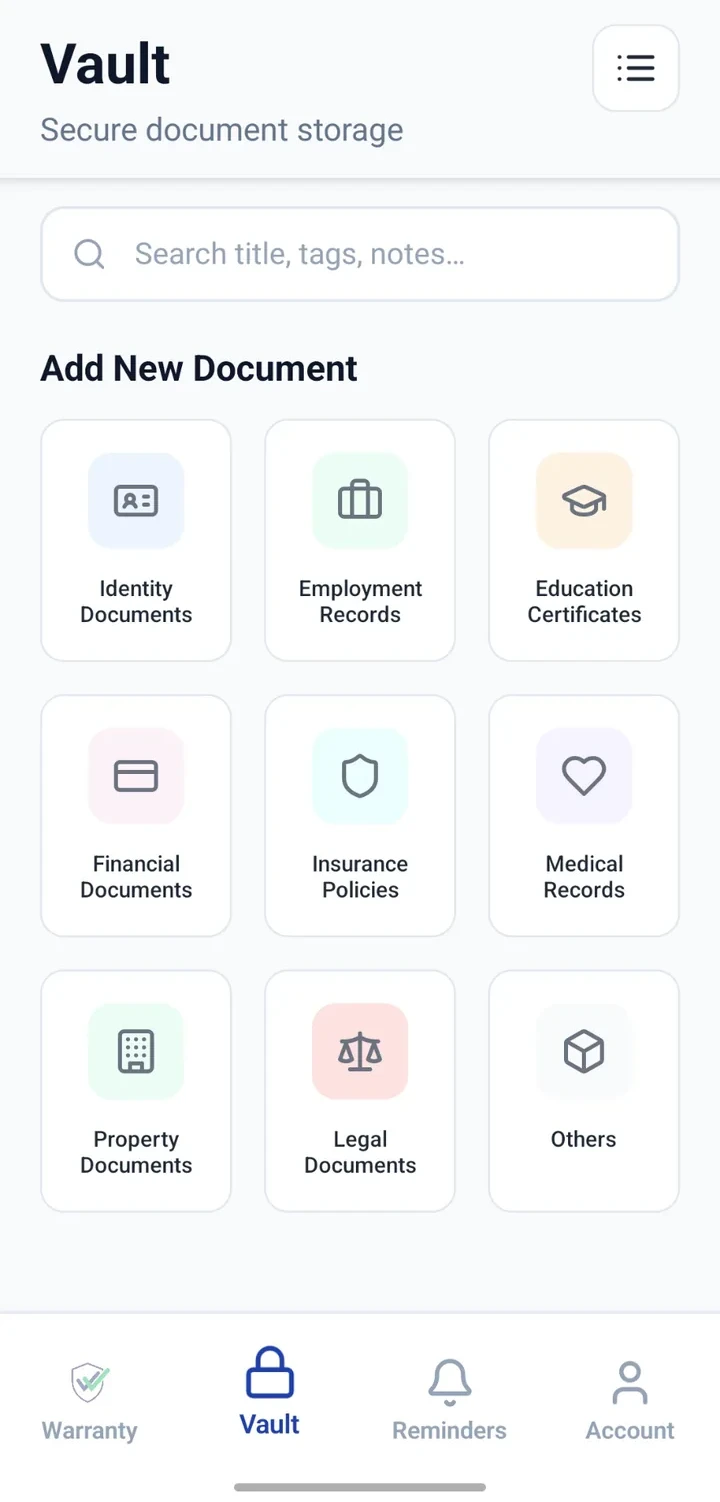
When would you use this?
What usually goes wrong
Reports lost between clinics.
Prescriptions scattered across paper and gallery.
Difficult to remember which report supports which prescription.
Insurance cards not to hand at the right moment.
Practical ways the app supports this
Create Vault entries per report, prescription or card.
Use titles that indicate the person and date.
Attach clear scans or photos of documents.
Add short notes describing the visit or condition.
Configure reminders for follow-up visits.
Step by step
A simple flow for adding and organising records.
- 1
Choose a title format
For example: 'Self — Blood Report 2026-06'.
- 2
Create the entry
Set the category as Medical.
- 3
Attach the file
Upload the report or prescription.
- 4
Add notes
Note the doctor, clinic and any recommendations.
- 5
Add follow-up reminder
Configure a reminder for the next appointment or test.
Why this matters
Better prepared for follow-up appointments.
History available across clinics.
Insurance conversations easier with copies at hand.
Personal notes preserve context.
A note on scope
Frequently asked questions
Related product pages
See how the underlying modules work in more detail.
Related use cases
Other everyday scenarios covered on this site.
Related guides
Practical guides on these topics are being prepared.
Bring medical papers into a calm reference system.
Install CheckMyWarranty and add your recent reports first.
Available now on Android and iPhone.