
Everything about your refrigerator, in one record.
Keep the fridge bill, warranty card, model and serial, purchase date and service history in one place — ready if cooling issues appear months or years later.


When would you use this?
What usually goes wrong
Fridge serial number hidden behind or inside the unit.
Warranty card left in the packing carton.
Purchase price and offer terms forgotten.
Prior service visits not documented anywhere.
Difficult to answer support questions on the phone.
Practical ways the app supports this
Store fridge details, model and serial in one record.
Attach the bill, warranty card and any AMC papers.
Note the purchase date, warranty period and any service dates.
Log each service visit as a note on the same record.
Retrieve everything with a single search.
Step by step
A simple flow for adding and organising records.
- 1
Create the fridge record
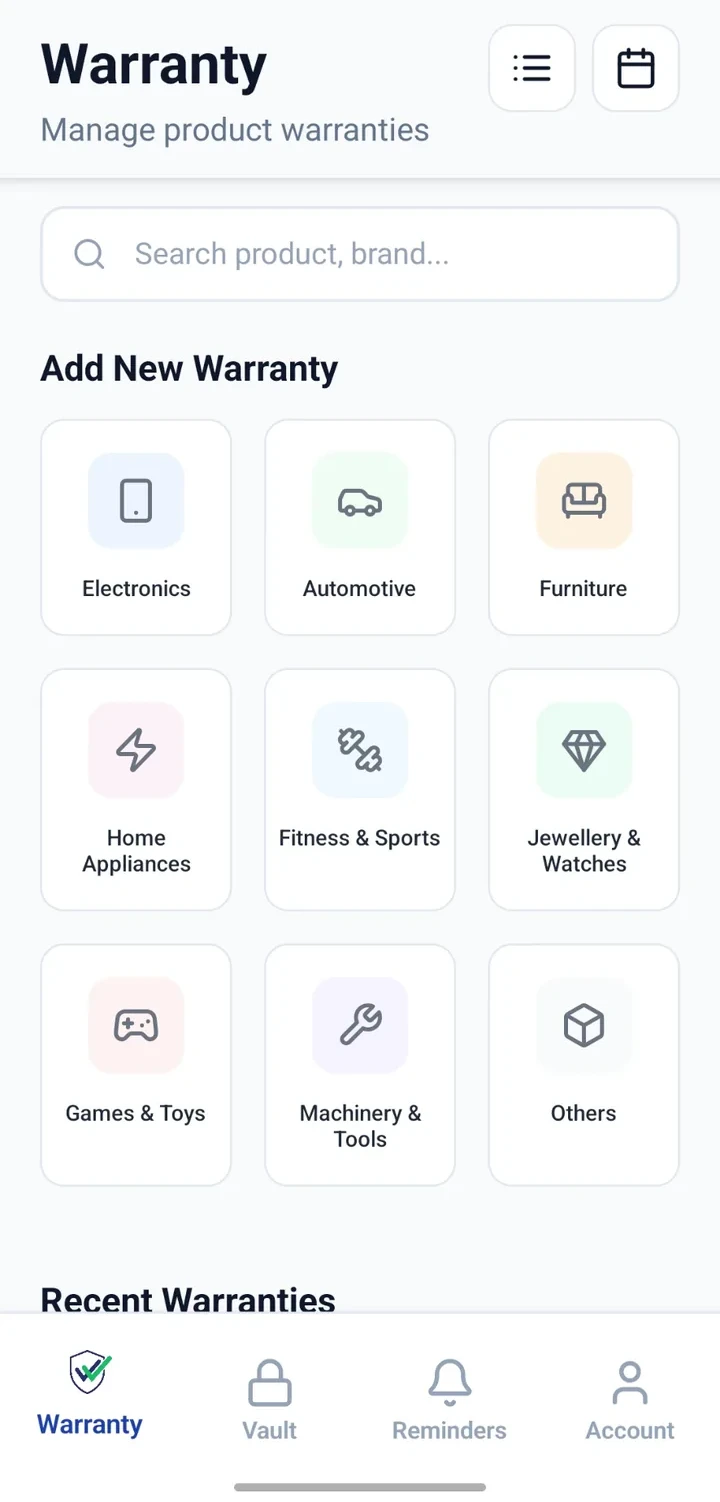
Add a Warranty record with category set to appliances / kitchen.
- 2
Capture model and serial
Photograph the sticker on the fridge; enter model and serial into the record.
- 3
Attach the bill and warranty card
Attach both so proof of purchase is available in future.
- 4
Note dates
Record purchase date, warranty period and expected free-service dates.
- 5
Update after each service
Add a note after each visit describing the work and next date.
Why this matters
Prepared for cooling or ice-related issues later.
Faster support conversations with details on hand.
Service history stays with the appliance.
Simpler resale or handover documentation.
A note on scope
Frequently asked questions
Related product pages
See how the underlying modules work in more detail.
Related use cases
Other everyday scenarios covered on this site.
Related guides
Practical guides on these topics are being prepared.
Give your refrigerator a proper record.
Install CheckMyWarranty and add your fridge details in minutes.
Available now on Android and iPhone.