
Know when a subscription is about to auto-renew.
Track subscription renewal dates for streaming, software, memberships and maintenance plans — set your own reminders and stay in control.


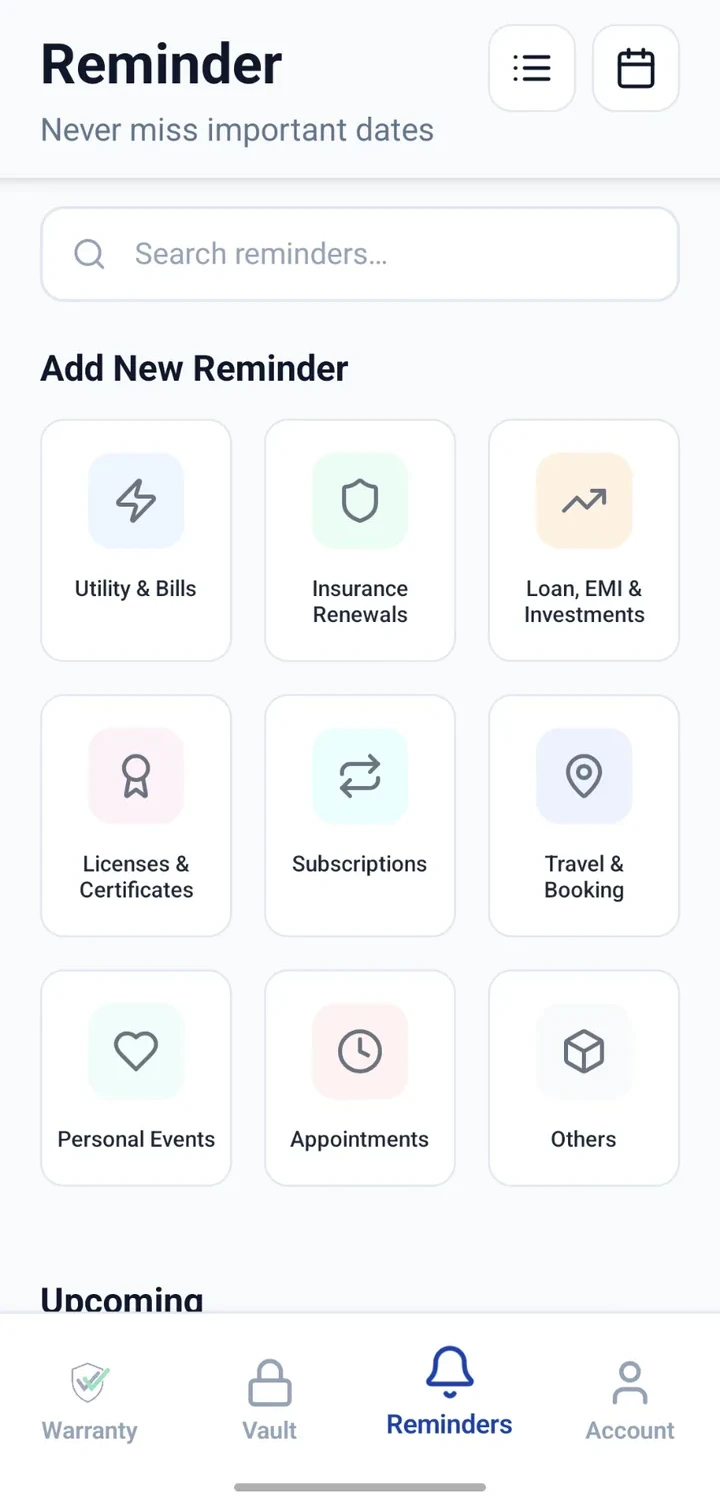
When would you use this?
What usually goes wrong
Auto-renewals go unnoticed.
Free trials silently convert to paid plans.
Multiple subscriptions across different email accounts.
Difficult to remember which card is charged for which service.
Practical ways the app supports this
Add each subscription as a reminder with a renewal date.
Note the service, plan and monthly/annual amount.
Store a related receipt or terms attachment in the Vault.
Configure advance notice to decide before renewal.
Review the list to spot unused services.
Step by step
A simple flow for adding and organising records.
- 1
List every subscription
Include streaming, software, memberships, cloud storage, courses and maintenance plans.
- 2
Add reminders
Create a reminder per subscription with the renewal date.
- 3
Note key details
Record the plan, amount and card used, if useful.
- 4
Set advance notice
Choose enough advance notice to cancel or downgrade if needed.
- 5
Review quarterly
Scan the list every few months to trim what you no longer use.
Why this matters
Fewer surprise renewals.
Time to cancel or downgrade before payment.
A single view of what you actually subscribe to.
Better annual budget conversations.
A note on scope
Frequently asked questions
Related product pages
See how the underlying modules work in more detail.
Related use cases
Other everyday scenarios covered on this site.
Related guides
Practical guides on these topics are being prepared.
Take back control of every subscription.
Install CheckMyWarranty and add reminders for the subscriptions that matter.
Available now on Android and iPhone.