
Home maintenance that does not slip through the cracks.
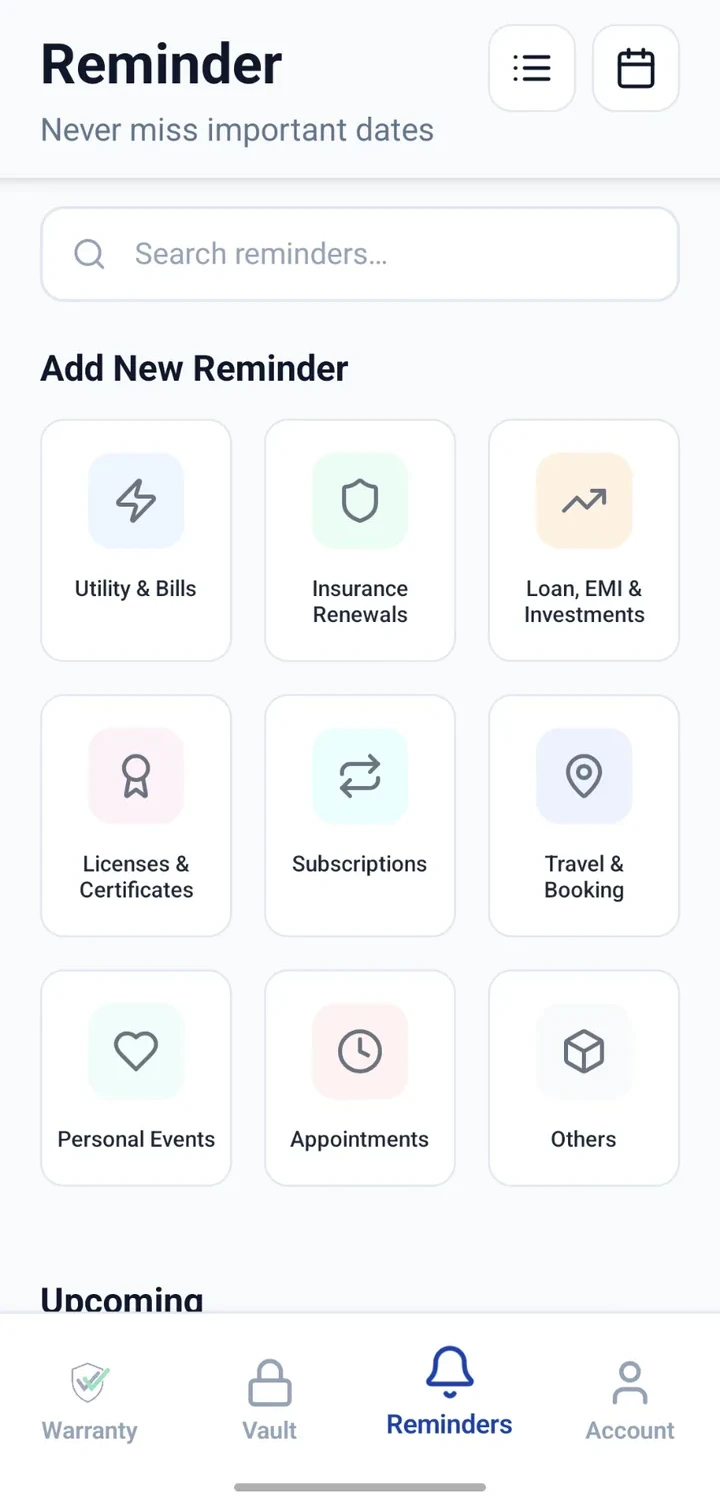
Set reminders for water purifier service, AC clean-up, pest control, filter replacement, tank cleaning and appliance maintenance.


When would you use this?
What usually goes wrong
Recurring tasks skipped between busy months.
Different rooms/units with different schedules.
No log of who last did what.
Multiple household members trying to remember overlapping tasks.
Practical ways the app supports this
Add a reminder per recurring task with the next date.
Attach related invoices or contracts to the Vault.
Note the vendor or service centre for easy re-booking.
Log each service as a note when it happens.
Review the calendar for the month ahead.
Step by step
A simple flow for adding and organising records.
- 1
List recurring maintenance tasks
Purifier, AC, pest control, geyser, filters, tank cleaning — anything periodic.
- 2
Add reminders
Create a reminder per task with the next expected date.
- 3
Attach related documents
Attach contracts, AMC papers or last invoice to the related Vault entry.
- 4
Note the vendor
Record the service provider's name and contact so re-booking is easier.
- 5
Update after each visit
Mark complete and set the next date once the task is done.
Why this matters
Fewer overlooked household chores.
A visible plan for the month.
Records that survive across service providers.
Easier handover if someone moves out or in.
A note on scope
Frequently asked questions
Related product pages
See how the underlying modules work in more detail.
Related use cases
Other everyday scenarios covered on this site.
Related guides
Practical guides on these topics are being prepared.
Build a maintenance schedule that keeps itself visible.
Install CheckMyWarranty and add your first recurring maintenance reminder.
Available now on Android and iPhone.