
One organised overview of every appliance you own.
Refrigerator, AC, washing machine, TV, microwave, water purifier, mixer — organised by category, room and purchase details, ready when a service or support conversation happens.


When would you use this?
What usually goes wrong
No single list of what appliances the home owns.
Warranty status for each unclear at any moment.
Service dates missed because reminders are scattered.
Bills spread across paper folders, email and chats.
Multiple similar units (e.g. two ACs) hard to tell apart.
Practical ways the app supports this
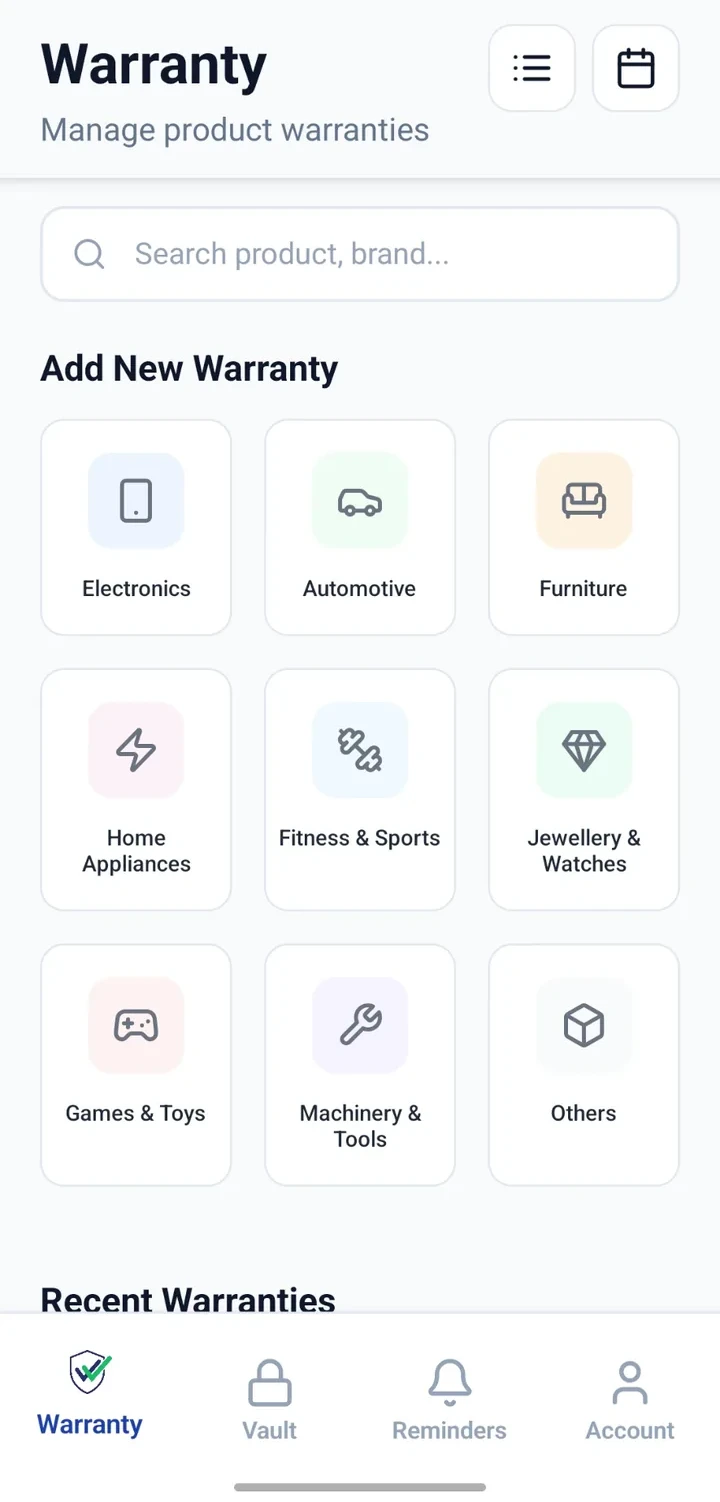
Add one record per appliance across every category.
Attach the bill and warranty card to each record.
Note the room where each appliance is installed.
Track known service and free-service dates.
Search or filter to quickly find any appliance.
Review the whole appliance list at a glance.
Step by step
A simple flow for adding and organising records.
- 1
List your appliances
Walk through the home room by room and note every major appliance.
- 2
Create records
Add one record per appliance in the Warranty module with category and details.
- 3
Attach bills and warranty cards
Capture whatever documents exist for each — even if partial.
- 4
Note dates
Record purchase date, warranty period and any known service dates.
- 5
Set reminders
Configure reminders for services and warranty expiries so nothing slips through.
Why this matters
A single, honest picture of the appliances the home owns.
Faster action when something breaks or needs service.
Fewer missed free-service opportunities.
Purchase history preserved for future reference.
Easier to prepare for insurance or contents documentation.
A note on scope
Frequently asked questions
Related product pages
See how the underlying modules work in more detail.
Related use cases
Other everyday scenarios covered on this site.
Related guides
Practical guides on these topics are being prepared.
Build an honest inventory of your home appliances.
Install CheckMyWarranty and add your first appliance record in a few minutes.
Available now on Android and iPhone.