
Education certificates you can find in seconds.
Organise mark sheets, degree certificates, admission letters and other education records — chronologically and by person.


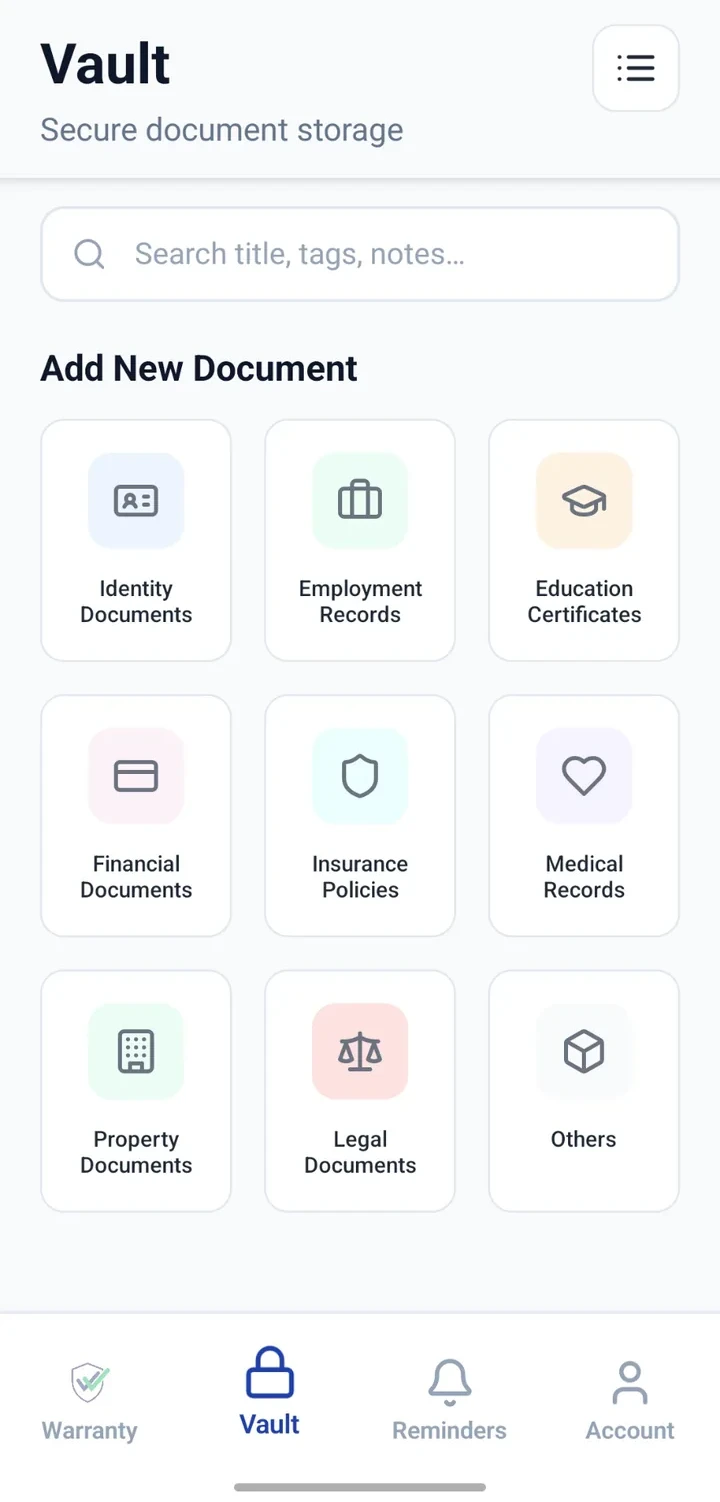
When would you use this?
What usually goes wrong
Certificates spread across folders and cabinets.
Scans of poor quality made in a hurry.
Difficult to locate a specific year's mark sheet.
Family members' certificates mixed with your own.
Practical ways the app supports this
Create one Vault entry per certificate.
Use consistent titles including person and year.
Attach a clean scan or photo.
Add notes about institution and grade if needed.
Search by year, person or type instantly.
Step by step
A simple flow for adding and organising records.
- 1
Pick titling convention
For example: 'Self — Class 12 Marksheet 2018'.
- 2
Create entries per certificate
Category: Education. One entry per document.
- 3
Attach clean scans
Recapture blurry old scans if needed.
- 4
Add institution notes
Note the board or university, and any distinctions.
- 5
Review before applications
Sweep through the list before every major application.
Why this matters
Application-ready copies at your fingertips.
Family certificates organised without confusion.
Older certificates preserved as scans even if paper fades.
Faster response to unexpected document requests.
A note on scope
Frequently asked questions
Related product pages
See how the underlying modules work in more detail.
Related use cases
Other everyday scenarios covered on this site.
Related guides
Practical guides on these topics are being prepared.
Line up your education records before you need them.
Install CheckMyWarranty and add your most recent certificates first.
Available now on Android and iPhone.