
Vehicle documents, calmly organised.
Keep RC copies, insurance papers, PUC certificates, driving licence images, invoices and notes for each vehicle in one organised account.


When would you use this?
What usually goes wrong
Documents scattered across email, gallery and file apps.
No clear list of which document belongs to which vehicle.
Expiry dates hard to keep track of.
Multiple vehicles per household make things messier.
Practical ways the app supports this
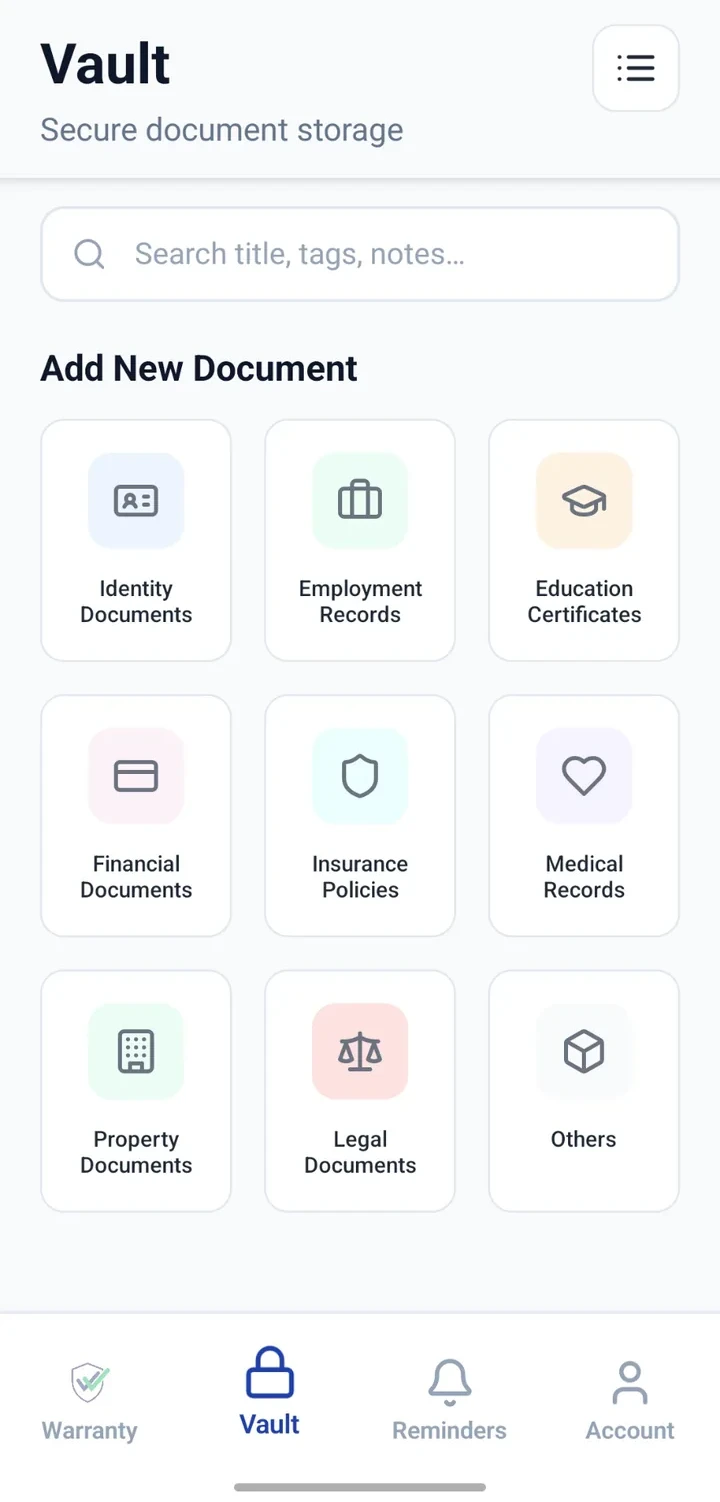
One record per vehicle in the Vault.
Attach RC, insurance, PUC and licence images.
Note key expiry dates and add reminders.
Add invoices for major repairs or purchases.
Search by vehicle name or registration.
Step by step
A simple flow for adding and organising records.
- 1
Create a vehicle record
Add a Vault entry per vehicle with make, model and registration.
- 2
Attach RC and insurance
Attach clear scans or photos of RC and current insurance.
- 3
Attach PUC and licence
Add PUC certificates and a copy of your driving licence for reference.
- 4
Add invoices and notes
Attach major service invoices and notes on repairs.
- 5
Add expiry reminders
Configure reminders for insurance, PUC or licence expiry dates.
Why this matters
Personal document copies always at hand.
Easier to prepare for renewals and checks.
Expiry reminders reduce last-minute rush.
Notes preserve context service centres may not remember.
A note on scope
Frequently asked questions
Related product pages
See how the underlying modules work in more detail.
Related use cases
Other everyday scenarios covered on this site.
Related guides
Practical guides on these topics are being prepared.
Bring your vehicle documents into one clear place.
Install CheckMyWarranty and add your first vehicle record today.
Available now on Android and iPhone.