
Property paperwork organised, one property at a time.
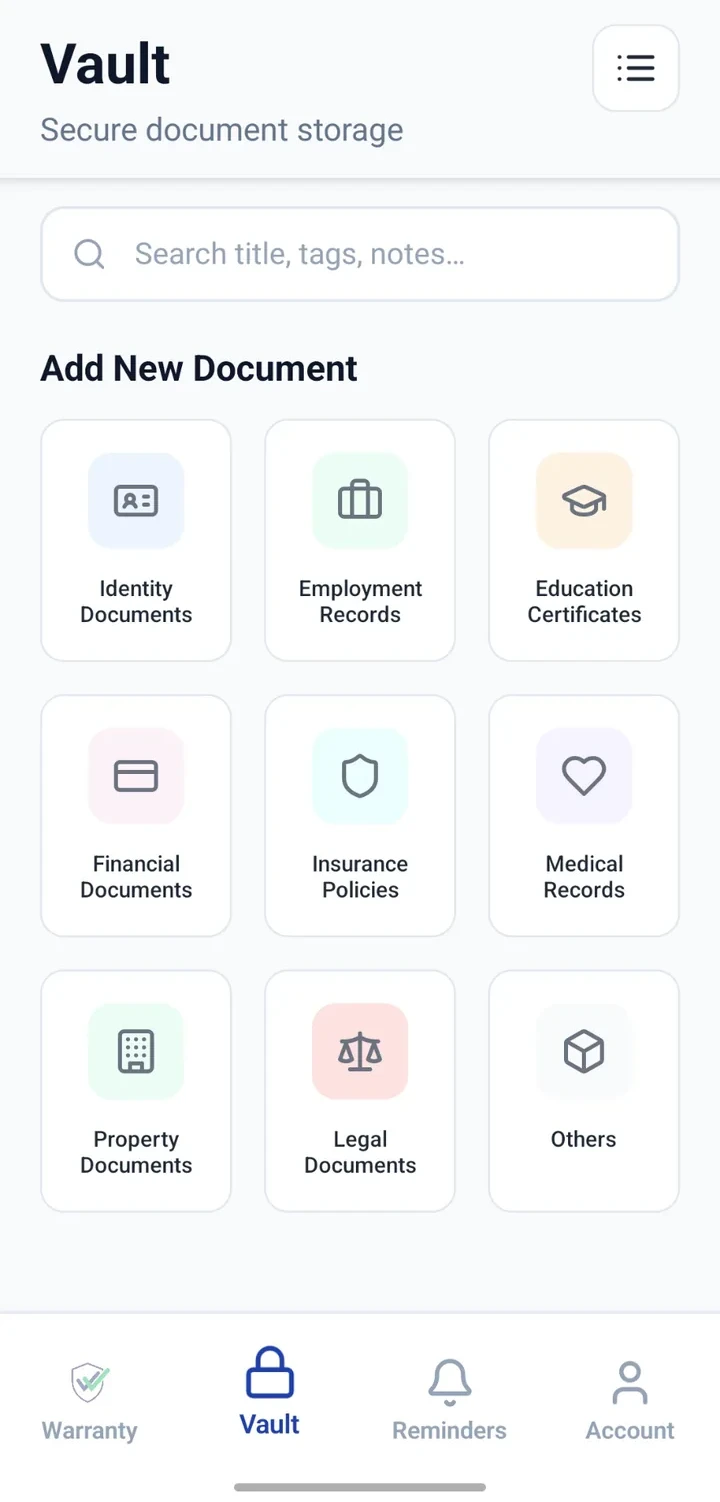
Keep agreements, tax receipts, possession or maintenance papers and utility documents organised as user-added records per property.


When would you use this?
What usually goes wrong
Agreements filed in physical folders with unclear versions.
Utility bills across different provider apps.
Tax receipts hard to trace during filing season.
Multiple properties without a clear separation.
Practical ways the app supports this
One folder-style approach per property using naming.
Attach agreements, receipts and utility bills.
Add notes for landlord/tenant references or key clauses.
Add reminders for renewals, tax due dates or maintenance.
Search by property name or document type.
Step by step
A simple flow for adding and organising records.
- 1
Pick a naming convention
For example: 'Ahmedabad Flat — Agreement 2026'.
- 2
Create Vault entries
Add each key document as its own entry.
- 3
Attach files
Upload agreements, tax receipts, maintenance bills and utility papers.
- 4
Add reminders
Configure reminders for tax due dates or agreement renewals.
- 5
Review annually
Refresh entries when a new agreement or receipt is issued.
Why this matters
Property files easier to retrieve for verification.
Renewal and tax dates visible in advance.
Cleaner conversations with landlords or tenants.
Backup reference alongside physical originals.
A note on scope
Frequently asked questions
Related product pages
See how the underlying modules work in more detail.
Related use cases
Other everyday scenarios covered on this site.
Related guides
Practical guides on these topics are being prepared.
Bring property paperwork under one calm system.
Install CheckMyWarranty and start with your primary property.
Available now on Android and iPhone.