
Every product detail, in one clear record.
Brand, model, serial number, seller, purchase price, notes and where the product lives — organised per product, ready when you need it.


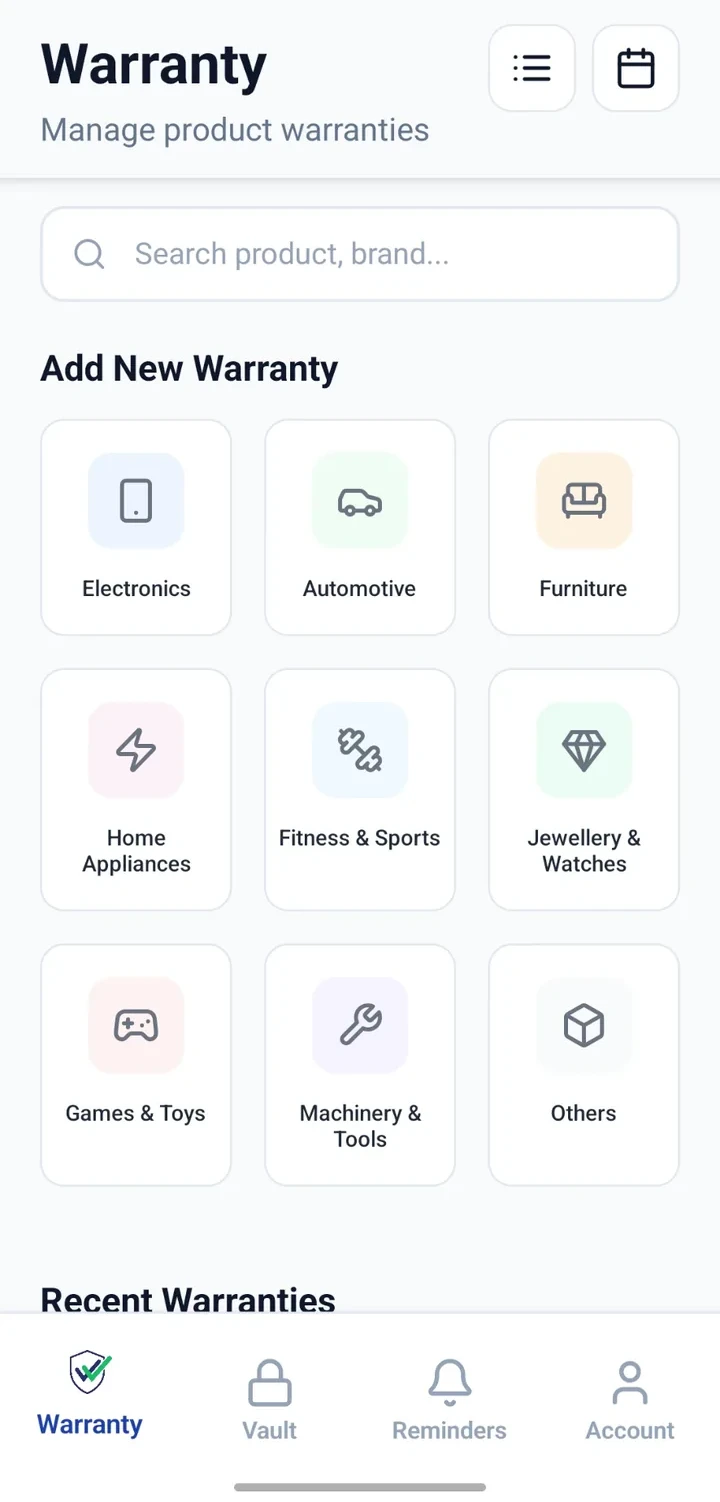
When would you use this?
What usually goes wrong
Serial numbers hidden on hard-to-reach stickers.
Model names easily confused across similar SKUs.
Purchase price forgotten within months.
Seller name lost when a receipt goes missing.
No note of where a product is actually kept.
Small accessories not linked back to the parent product.
Practical ways the app supports this
Record product name, brand, model and serial in one form.
Add seller/vendor, purchase date and price for reference.
Assign a category so similar products stay grouped.
Note the room or location — useful across floors or homes.
Capture notes on colour, size, variant or accessories.
Attach the bill and warranty card to the same record.
Step by step
A simple flow for adding and organising records.
- 1
Open a new product record
Choose the category that best matches the product.
- 2
Capture identity fields
Enter brand, model and serial number — take a photo of the serial sticker if easier.
- 3
Add purchase context
Save seller, date and price so future you can trace the purchase.
- 4
Note the location
Record which room, floor or property the product lives in.
- 5
Attach supporting files
Attach the bill, warranty card and any accessory receipts to the same record.
Why this matters
Faster support calls with model and serial ready.
Consistent product records across an entire household.
Location field helps locate products in larger homes.
Accessory purchases stay attached to their parent product.
Sharing product details is easier when needed.
A note on scope
Frequently asked questions
Related product pages
See how the underlying modules work in more detail.
Related use cases
Other everyday scenarios covered on this site.
Related guides
Practical guides on these topics are being prepared.
Give every product a clear identity record.
Install CheckMyWarranty on Android or iPhone and add your first product with full details.
Available now on Android and iPhone.