
TV, soundbar, console, camera — organised per device.
Keep purchase, warranty and identity details for televisions, soundbars, consoles, cameras and speakers in a single organised list.


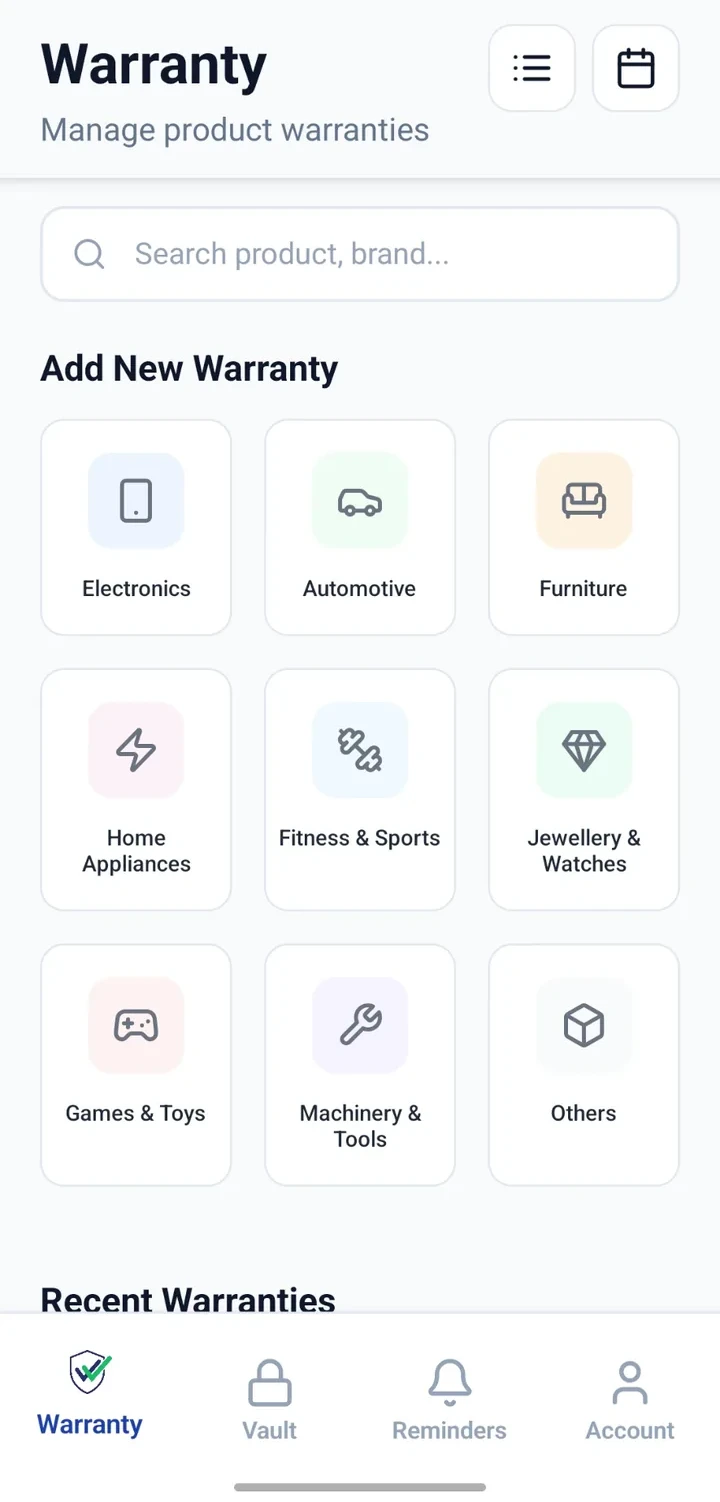
When would you use this?
What usually goes wrong
Serial numbers on hard-to-reach panels.
Bills scattered across multiple online sellers.
Warranty periods differ across brands.
Accessories not clearly linked to the main device.
Practical ways the app supports this
One record per electronic device.
Capture brand, model, serial and accessory details.
Attach the bill and warranty card.
Add notes for firmware updates or repairs.
Search by category or brand to find any device.
Step by step
A simple flow for adding and organising records.
- 1
List every electronic device
Walk through each room and list TVs, consoles, cameras, speakers.
- 2
Create records
Add one Warranty record per device with brand and model.
- 3
Capture serials
Photograph and record serial numbers so future service calls are simpler.
- 4
Attach bills and warranty cards
Add whatever documentation you have from the purchase.
- 5
Update over time
Note repairs, firmware issues or accessory purchases as they happen.
Why this matters
A clean overview of the electronics the household owns.
Support conversations become faster with details ready.
Older devices remain traceable long after boxes are discarded.
Accessory bills stay linked to the parent device.
A note on scope
Frequently asked questions
Related product pages
See how the underlying modules work in more detail.
Related use cases
Other everyday scenarios covered on this site.
Related guides
Practical guides on these topics are being prepared.
Organise every electronic device in one list.
Install CheckMyWarranty and start with your most valuable devices.
Available now on Android and iPhone.