
Organise every warranty record before you need it.
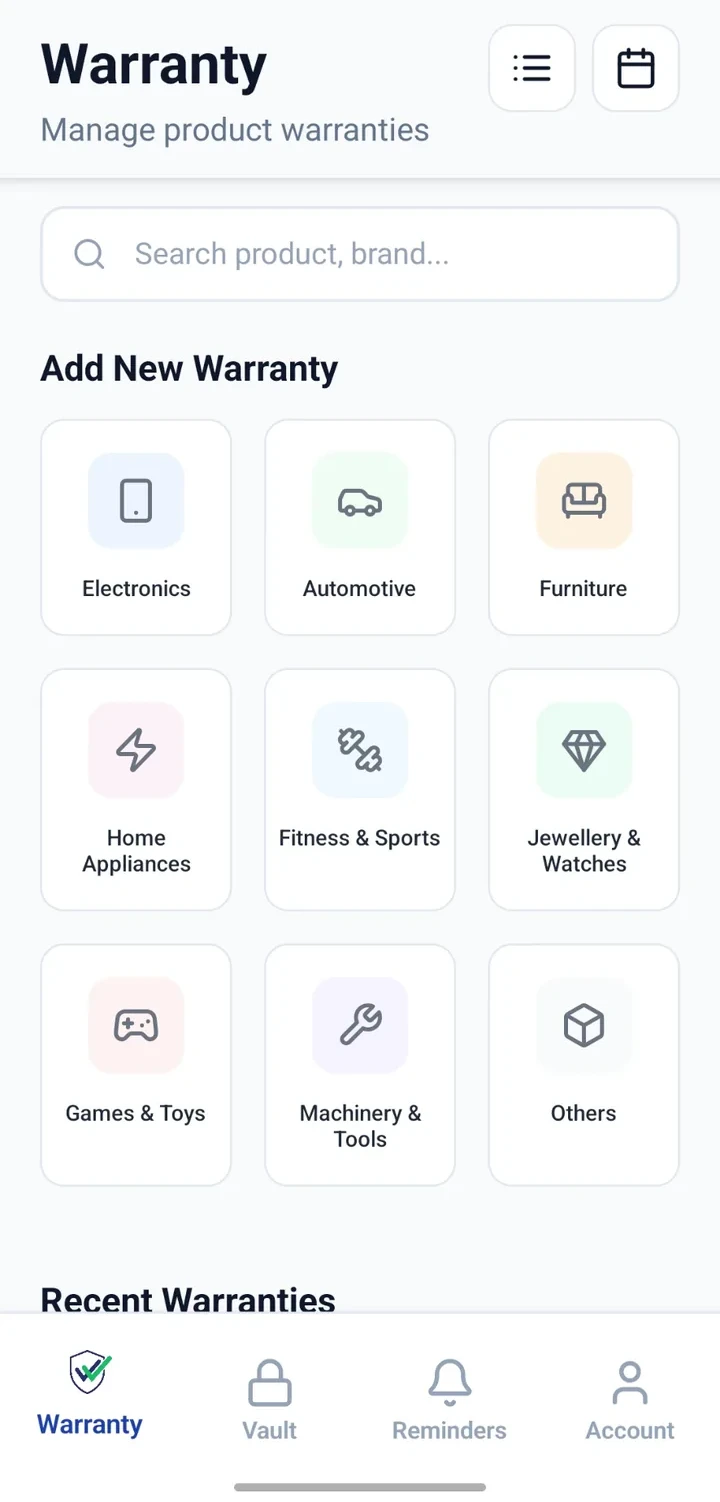
Bring product bills, warranty cards, purchase details, warranty dates and service information into one place — one record per product.


When would you use this?
What usually goes wrong
Purchase bills saved across email, chats and paper folders.
Warranty cards left inside product boxes and later misplaced.
Difficult to remember when a product was actually bought.
Model and serial numbers unavailable when calling support.
Free-service dates come and go without being noticed.
Products spread across rooms, floors or locations with no clear list.
Practical ways the app supports this
Create one product record per item you own.
Add product name, brand, model and serial information.
Save purchase date, seller/vendor and price for reference.
Attach the bill and warranty card to the same record.
Add warranty period, expiry and any known service dates.
Add notes and note the room or location where the product is kept.
Search, filter and review each record whenever you need it.
Step by step
A simple flow for adding and organising records.
- 1
Choose the category
Select the category that fits — appliance, electronics, vehicle, furniture or other.
- 2
Add product details
Enter the product name, brand, model and serial number where available.
- 3
Attach purchase and warranty records
Attach the bill and warranty card so both stay linked to the product record.
- 4
Add dates and service information
Record the purchase date, warranty period, expiry and any known service dates.
- 5
Review and configure reminders
Review the completed record and set up reminders for warranty or service dates.
Why this matters
Retrieve warranty proof more easily when it's needed.
Find product information quickly during support calls.
Review dates before contacting a seller or manufacturer.
Keep service history next to the product it belongs to.
Organise products across rooms, homes or locations.
Stay prepared with reminders for approaching warranty or service dates.
A note on scope
Frequently asked questions
Related product pages
See how the underlying modules work in more detail.
Related use cases
Other everyday scenarios covered on this site.
Related guides
Practical guides on these topics are being prepared.
Start organising your warranty records today.
Install CheckMyWarranty on Android or iPhone and add your first product record in minutes.
Available now on Android and iPhone.