
RC and insurance — organised per vehicle.
Store RC and insurance copies for each vehicle, note the policy and expiry details, and set reminders ahead of renewal.


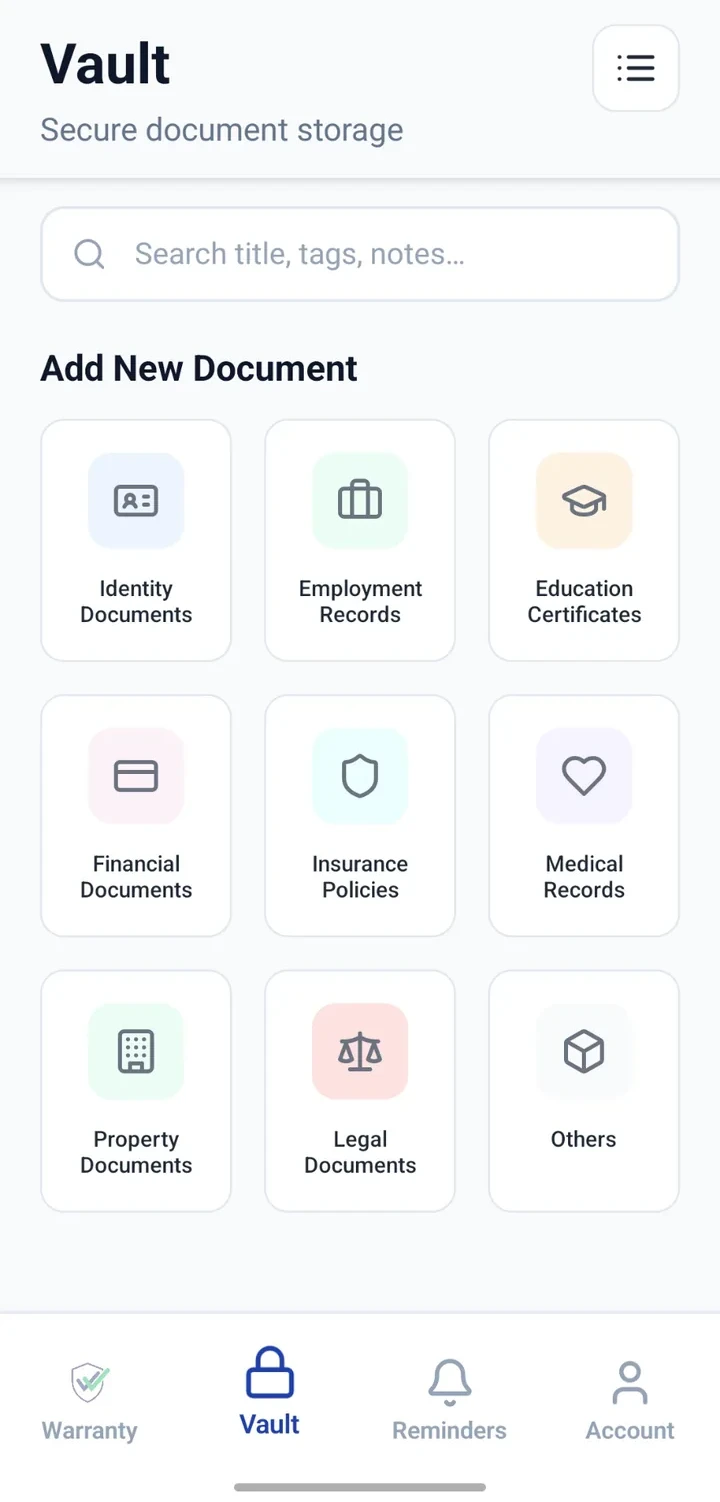
When would you use this?
What usually goes wrong
Insurance renewals missed and premiums lapsed.
RC images poor quality or unclear.
Difficult to compare current vs previous policy quickly.
No reminder ahead of key dates.
Practical ways the app supports this
Add RC and insurance copies to each vehicle record.
Note policy number and expiry date.
Configure reminders for a few weeks before expiry.
Keep older policies for reference where relevant.
Search by registration or policy number.
Step by step
A simple flow for adding and organising records.
- 1
Open the vehicle record
Use the same Vault entry that holds other vehicle documents.
- 2
Attach RC and insurance
Upload clear images or PDFs of both documents.
- 3
Note key details
Record policy number, insurer name and expiry date.
- 4
Add renewal reminder
Configure a reminder ahead of the insurance expiry date.
- 5
Update on renewal
Replace or add the new document after renewal and update the date.
Why this matters
Renewal dates are visible ahead of time.
Insurance and RC copies always available for reference.
Policy details searchable when needed.
Older policies preserved for reference.
A note on scope
Frequently asked questions
Related product pages
See how the underlying modules work in more detail.
Related use cases
Other everyday scenarios covered on this site.
Related guides
Practical guides on these topics are being prepared.
Keep RC and insurance ready for every vehicle.
Install CheckMyWarranty and organise your first vehicle's papers in minutes.
Available now on Android and iPhone.