
Track policy renewal dates you actually care about.
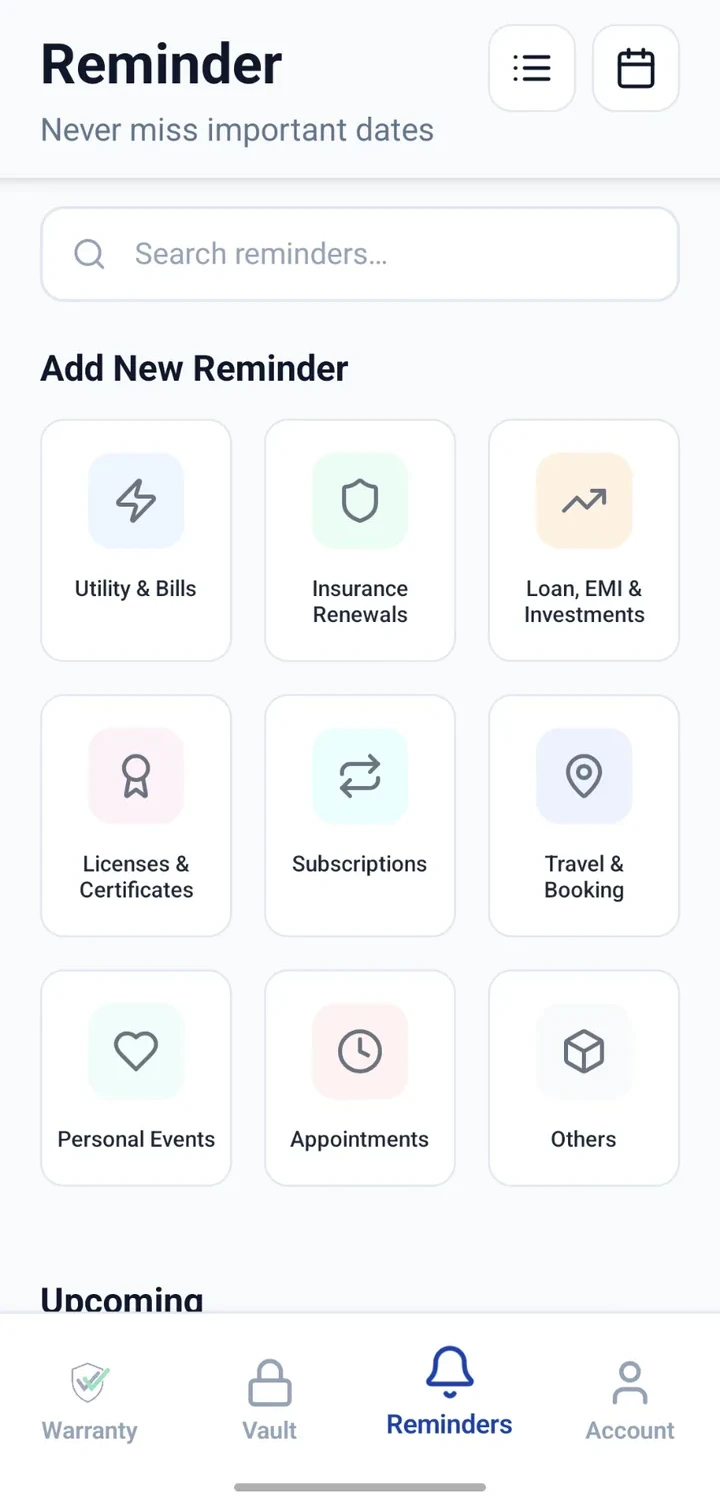
Set reminders for health, life, vehicle or home policy dates you enter — and stay a step ahead of every renewal.


When would you use this?
What usually goes wrong
Multiple insurers with different renewal calendars.
Emails and SMS reminders lost or missed.
Difficult to plan payment cash flow when dates cluster.
Older policy documents mixed with current ones.
Practical ways the app supports this
Add each policy as a reminder with the renewal date.
Attach the policy PDF to the related Vault entry.
Note policy number and insurer name.
Configure the reminder ahead of the date — days or weeks.
Review upcoming renewals in a single list or calendar.
Step by step
A simple flow for adding and organising records.
- 1
List every active policy
Health, life, vehicle, home, general — anything you actively pay for.
- 2
Attach documents
Save policy PDFs to the Vault under a clear title.
- 3
Add each reminder
Create a reminder for each policy with the renewal date.
- 4
Set advance notice
Configure days or weeks of advance notice per reminder.
- 5
Review monthly
Scan the list once a month to plan payments and paperwork.
Why this matters
Fewer surprise lapses in cover.
Better cash-flow planning for premium payments.
Policy documents are always available for reference.
Historical policies preserved when needed.
A note on scope
Frequently asked questions
Related product pages
See how the underlying modules work in more detail.
Related use cases
Other everyday scenarios covered on this site.
Related guides
Practical guides on these topics are being prepared.
Line up every policy renewal in advance.
Install CheckMyWarranty and add a reminder for each active policy.
Available now on Android and iPhone.