
Never be surprised by an expiring passport or licence.
Note the expiry dates for passports, driving licences, visas and permits, and get reminders well in advance.


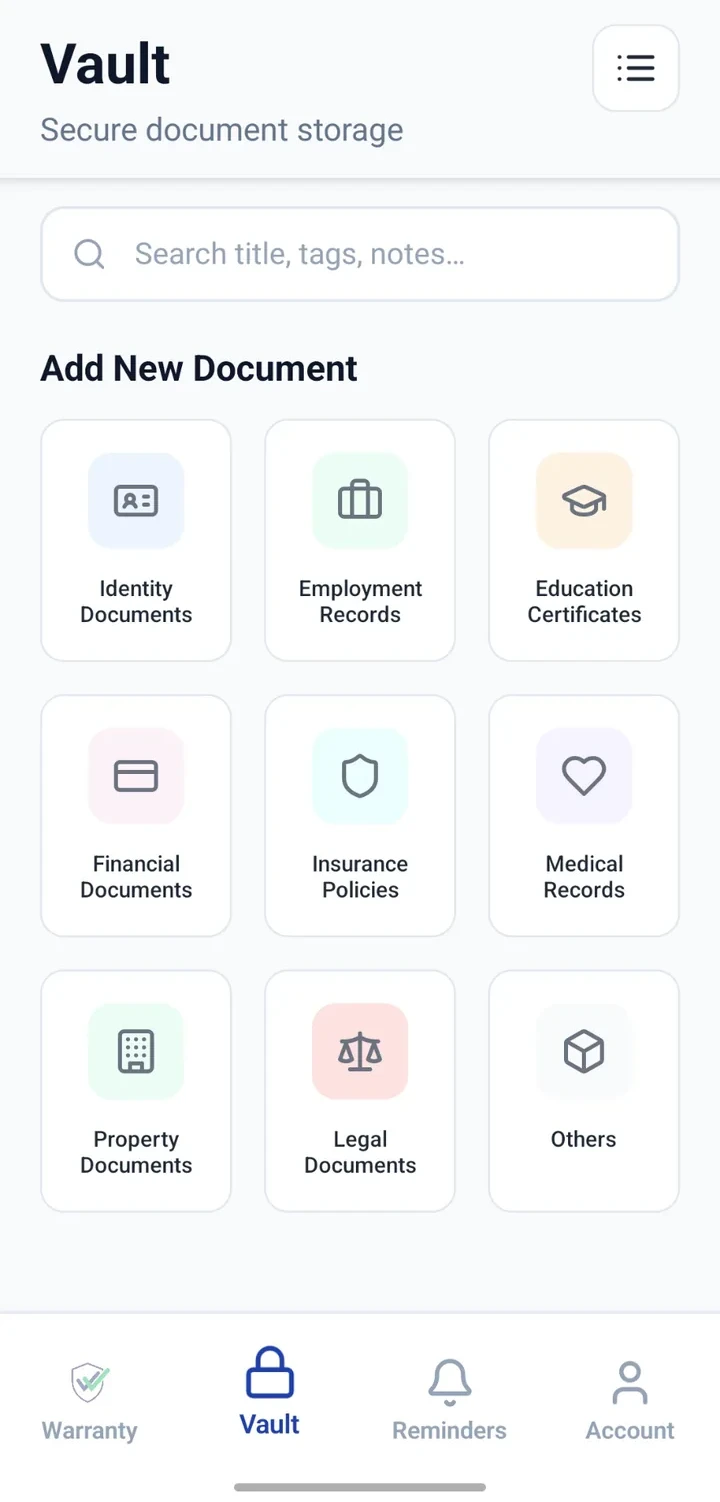
When would you use this?
What usually goes wrong
Multiple documents with different expiry dates.
Renewals often need months of planning.
Family members' expiries hard to track together.
Old copies unclear or misplaced.
Practical ways the app supports this
Add each document as a reminder with the expiry date.
Store a personal copy in the Vault for reference.
Note document number for easier retrieval later.
Configure long advance notice — weeks or months.
Review the list before major trips.
Step by step
A simple flow for adding and organising records.
- 1
List every identity document
Include your own, family members' where you manage them, and any relevant permits.
- 2
Attach copies
Save a clear personal copy of each document in the Vault.
- 3
Add expiry reminders
Create a reminder for each document with the expiry date.
- 4
Set generous notice
Choose weeks or months of advance notice depending on the document.
- 5
Review before travel
Scan the list before every major trip.
Why this matters
Fewer last-minute renewal panics.
Better travel and driving planning.
Family documents easier to keep in view.
Copies handy for online form filling.
A note on scope
Frequently asked questions
Related product pages
See how the underlying modules work in more detail.
Related use cases
Other everyday scenarios covered on this site.
Related guides
Practical guides on these topics are being prepared.
Stay ahead of every identity document renewal.
Install CheckMyWarranty and add reminders for your important dates.
Available now on Android and iPhone.